
|  |
|  |
|  |
|  |
|  |
|



Products
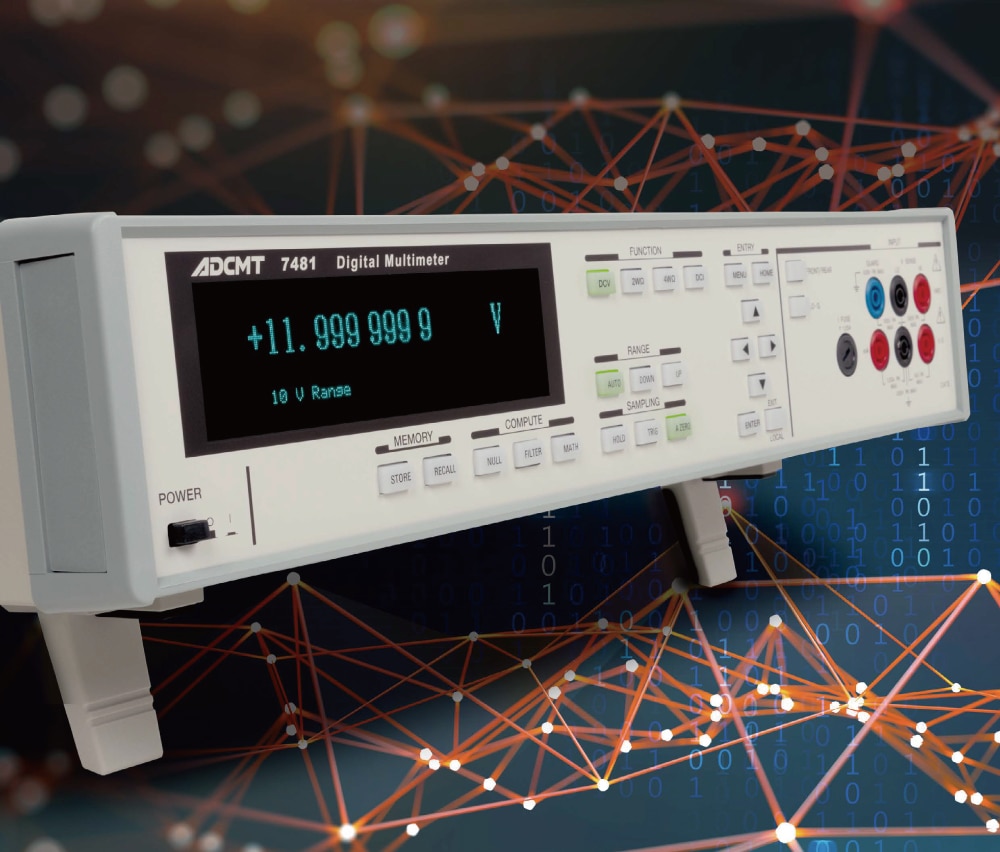
Digital Multimeters
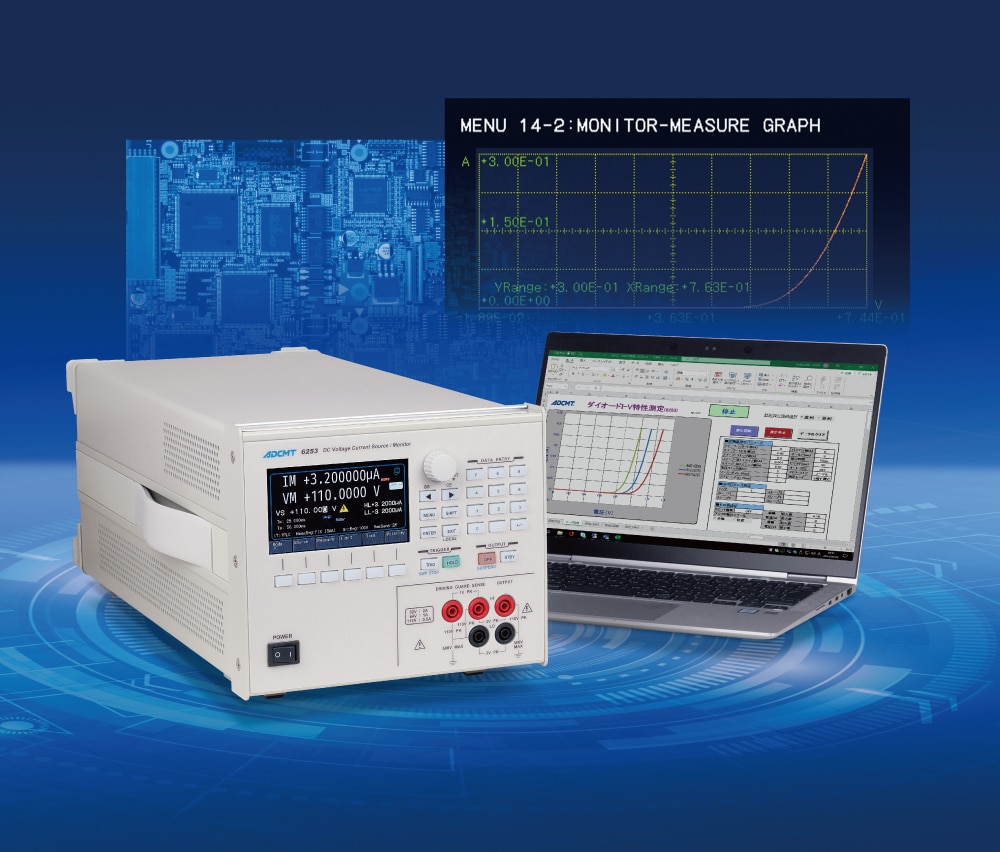
DC Voltage Current Source/Monitors
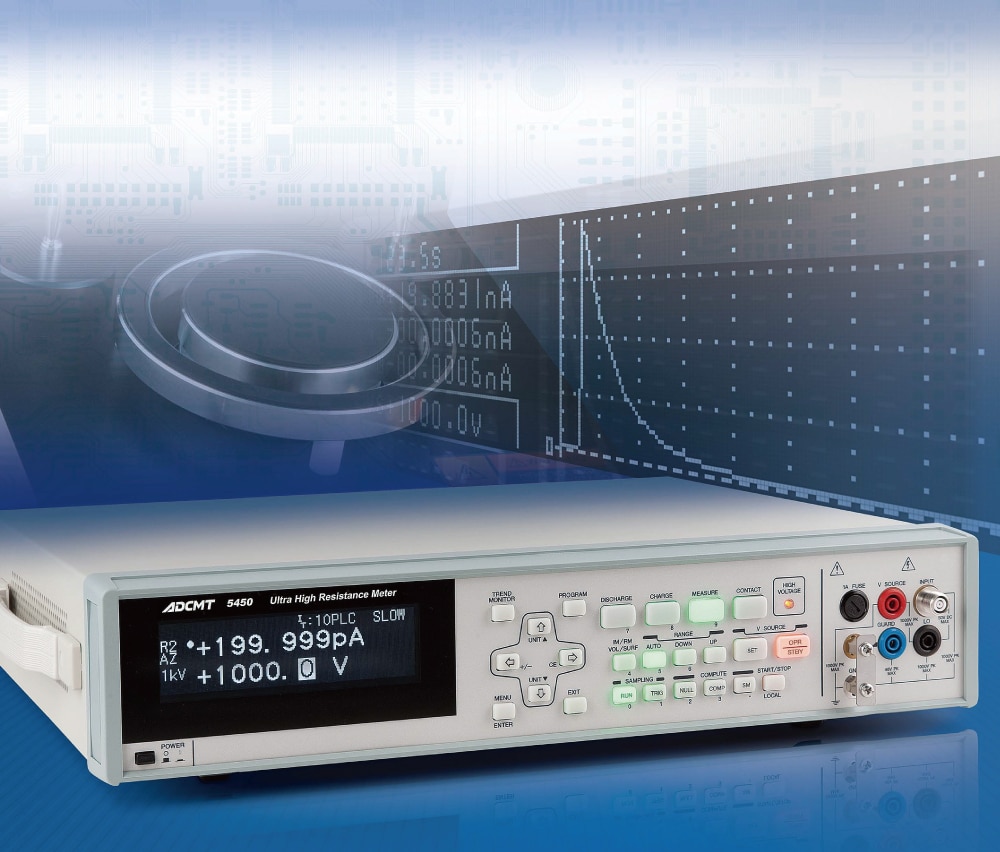
Digital Electrometers
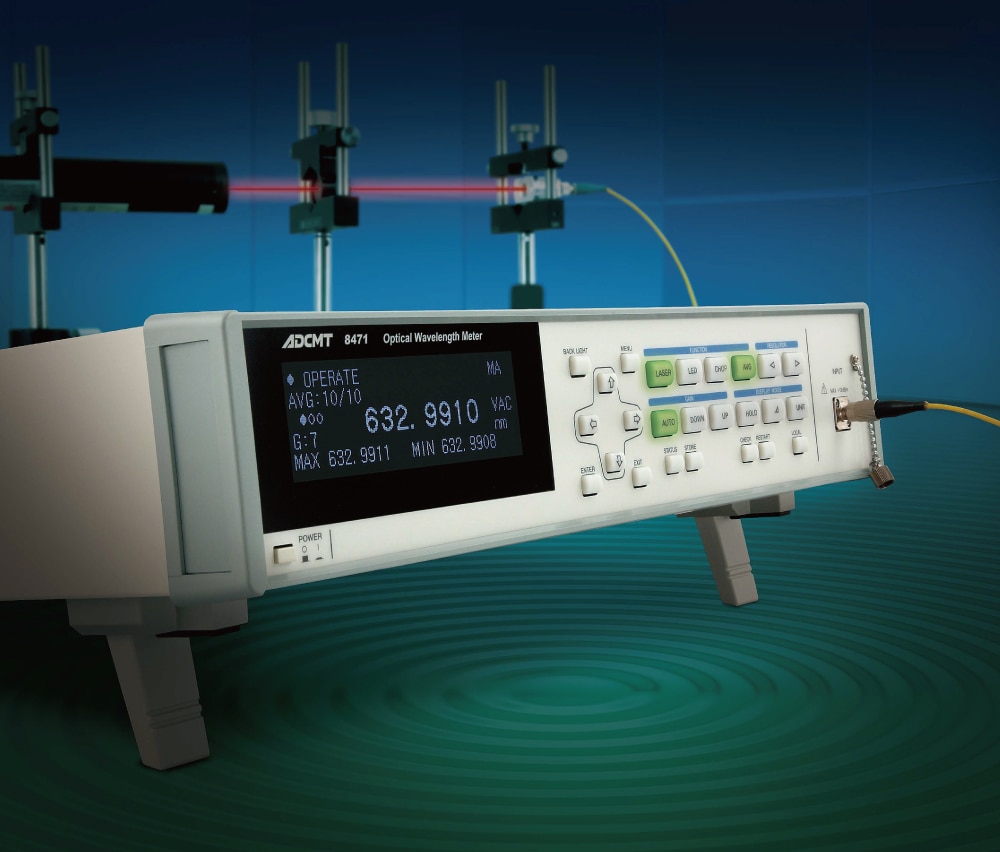
Optical Measuring Instruments
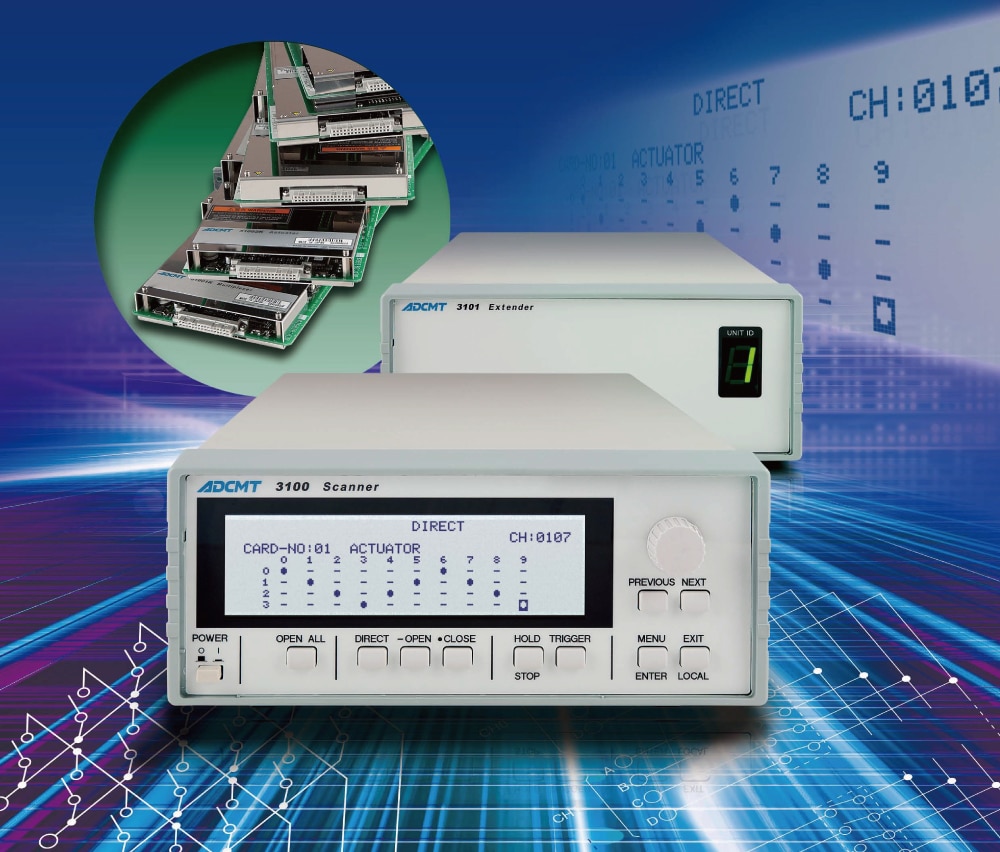
Scanner
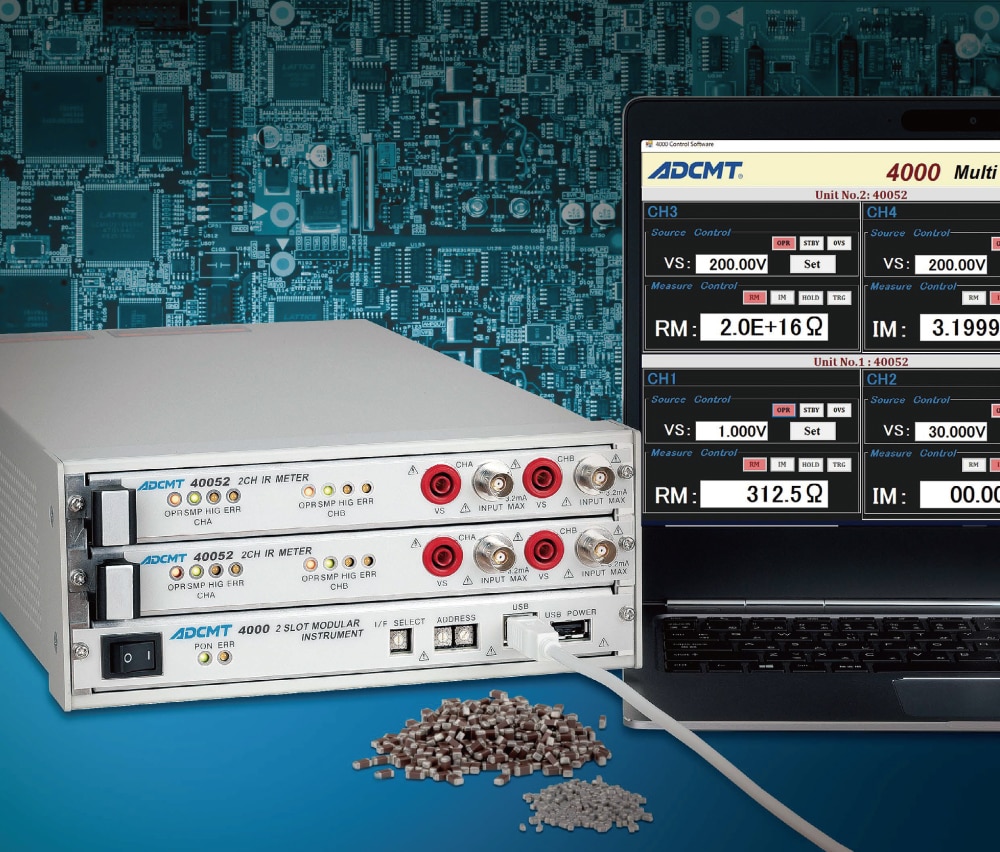
Modular & Multifunction Instruments
News
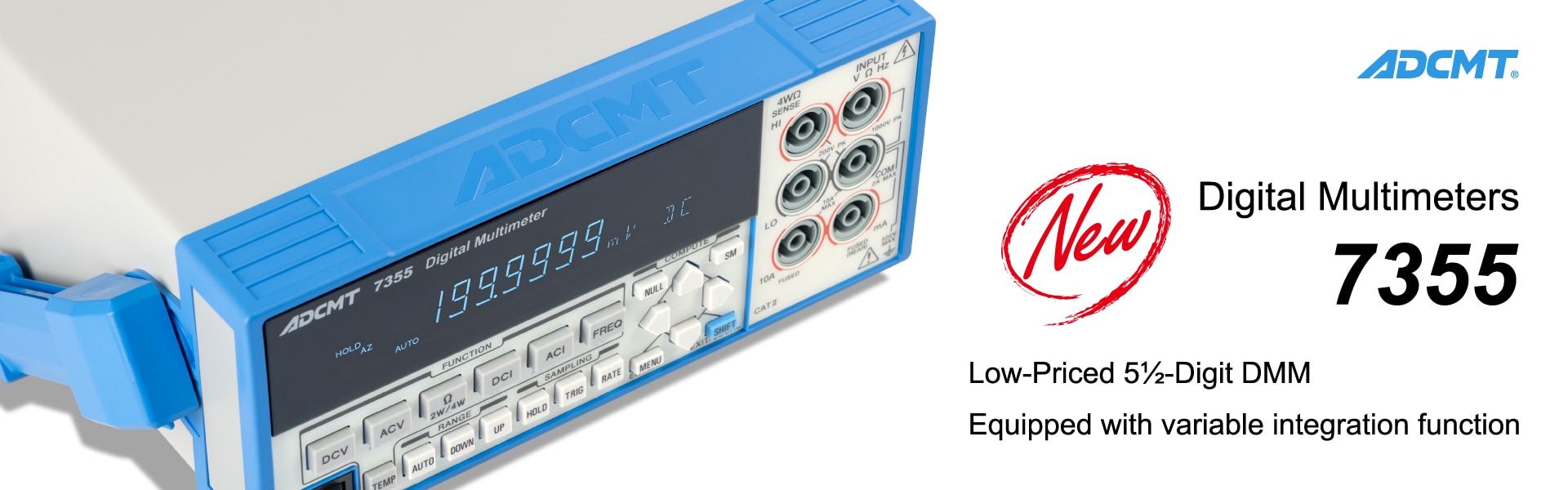
ADC releases low-priced cost-effective 5 1/2-digit Digital Multimeter equipped with variable integration function
Feb. 9, 2024
ADC releases DC Voltage Current Source/Monitor 6254 capable of up to 20 A output and 6½-digit measurement.
Mar. 20, 2023
ADC releases high-resolution 8½-digit Digital Multimeter with AC measurement capability, 7482.
Jan. 6, 2023
ADC upgrades the digital multimeter 7351 series.
Oct. 30, 2020
ADC redesigns the website.
May. 28, 2020

© 2024 ADC CORPORATION
